LET’S GET THIS STRAYED
TECHNICAL INFOS
Concept & Creative Direction
Marc Perino
AI Prompting & Retouching
Marc Perino
Tools used
Mystic AI (v3)
Adobe Photoshop with Retouch4me plugins (which are on sale right now)
Note
⚠️ Due to copyright and privacy reasons all »models« shown below are not human beings – but are images generated with the help of Artificial Intelligence (AI). The tool to generate those images was Mystic AI by Magnific.
Disclosure
Even though I am 100% convinced of the products I write about I have to disclose that this post contains affiliate links and a coupon code. If you use them to make a purchase, I may earn a small commission at no extra cost to you
expand the text below by clicking on the »+« icons
* please read the fine print on the promo page
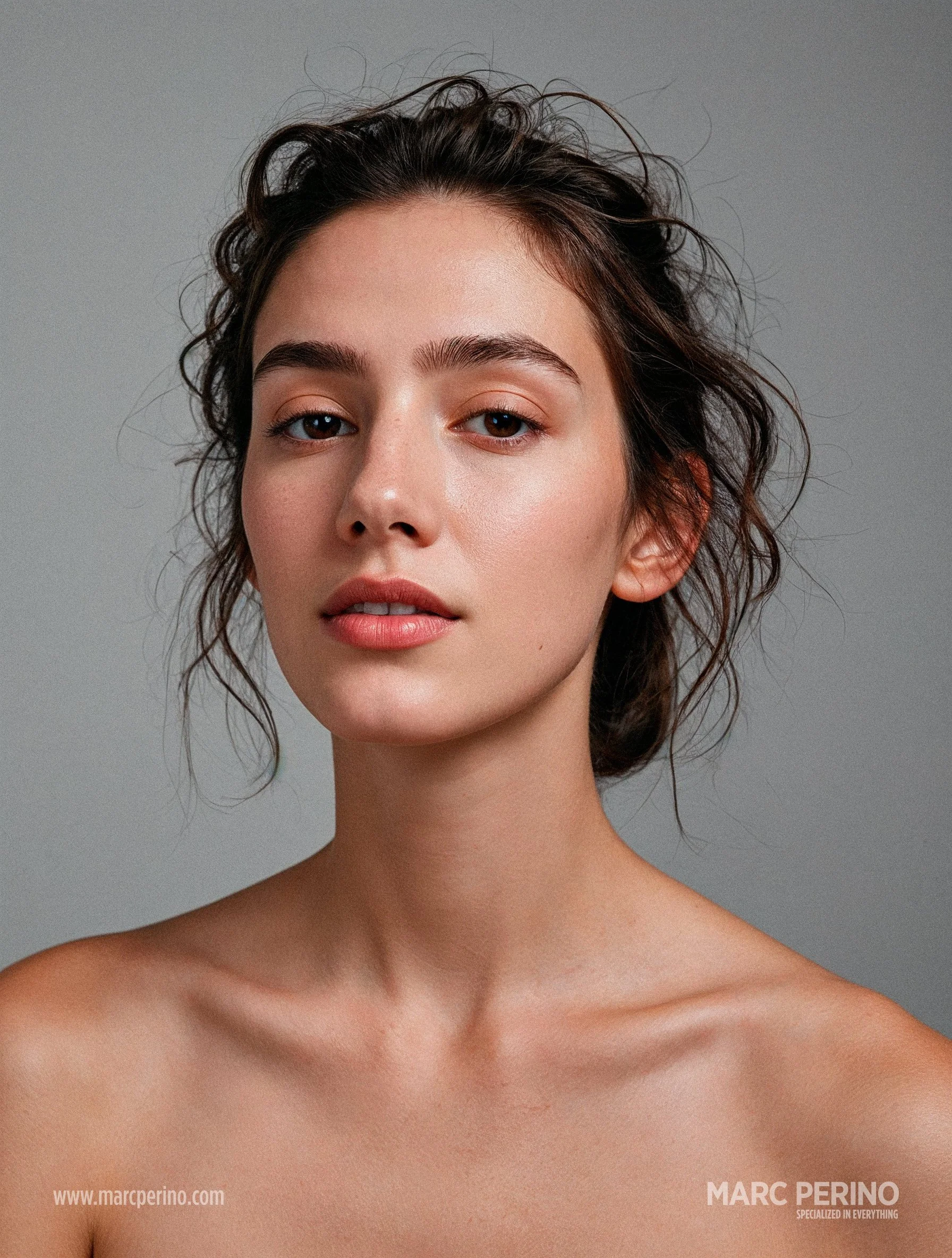
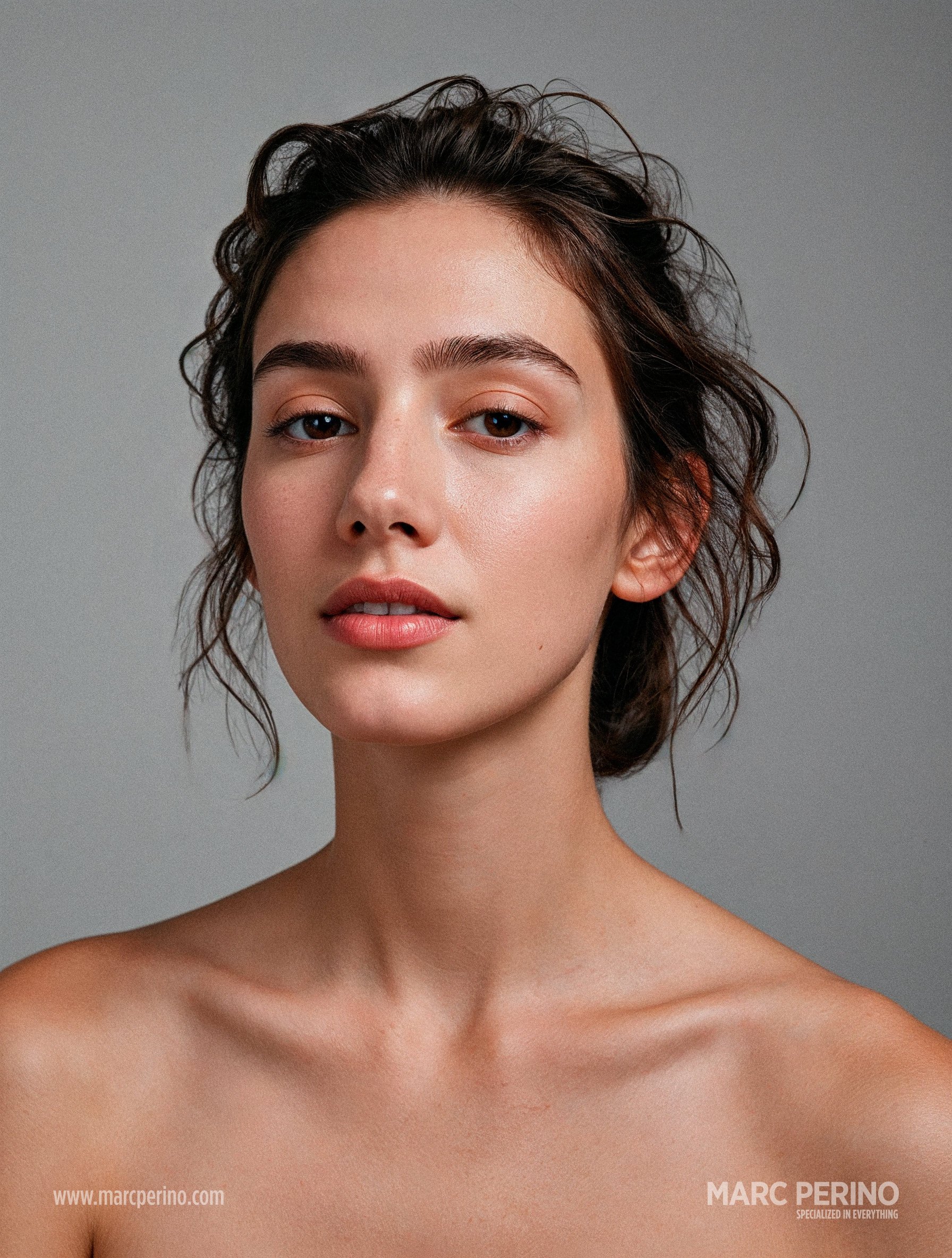
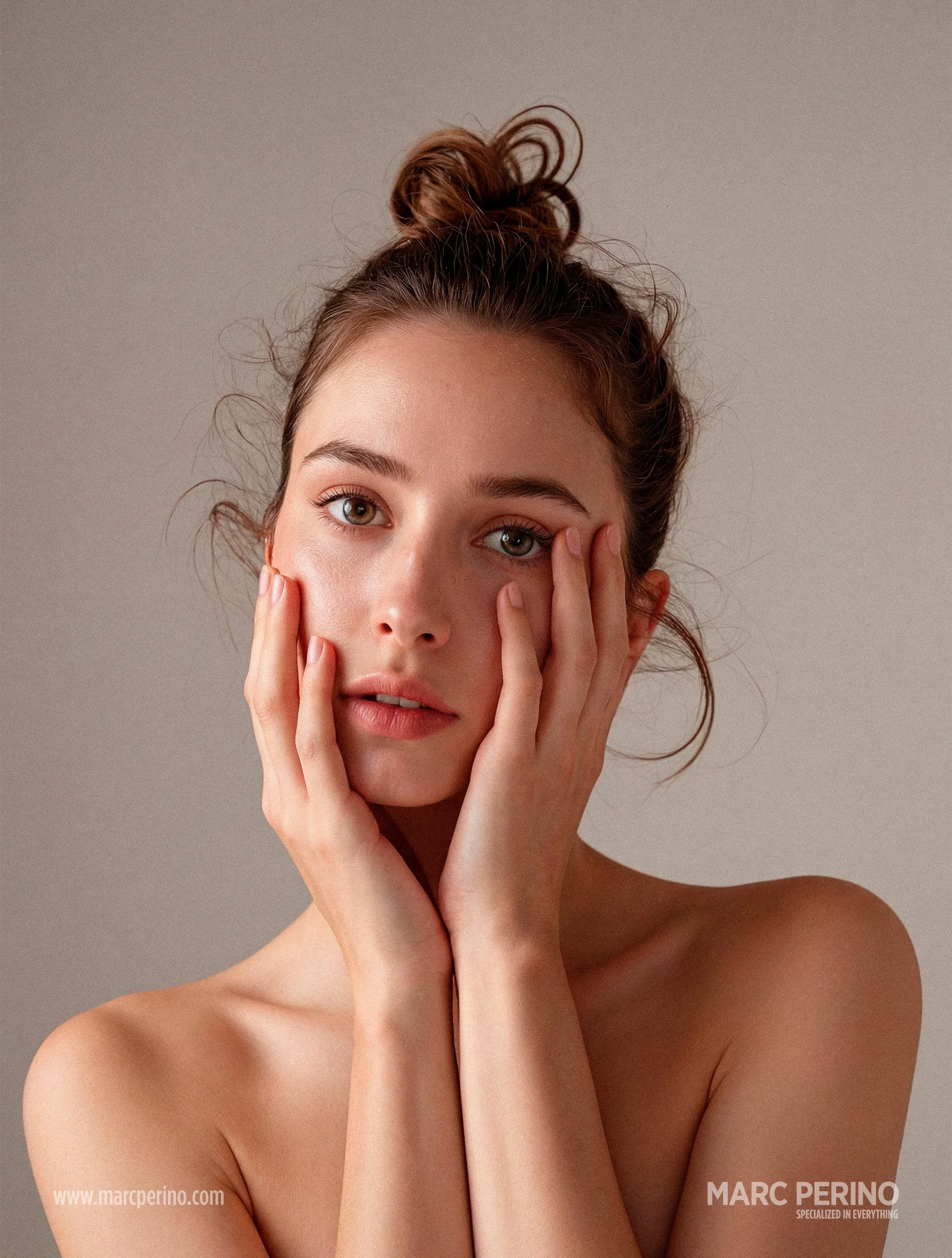
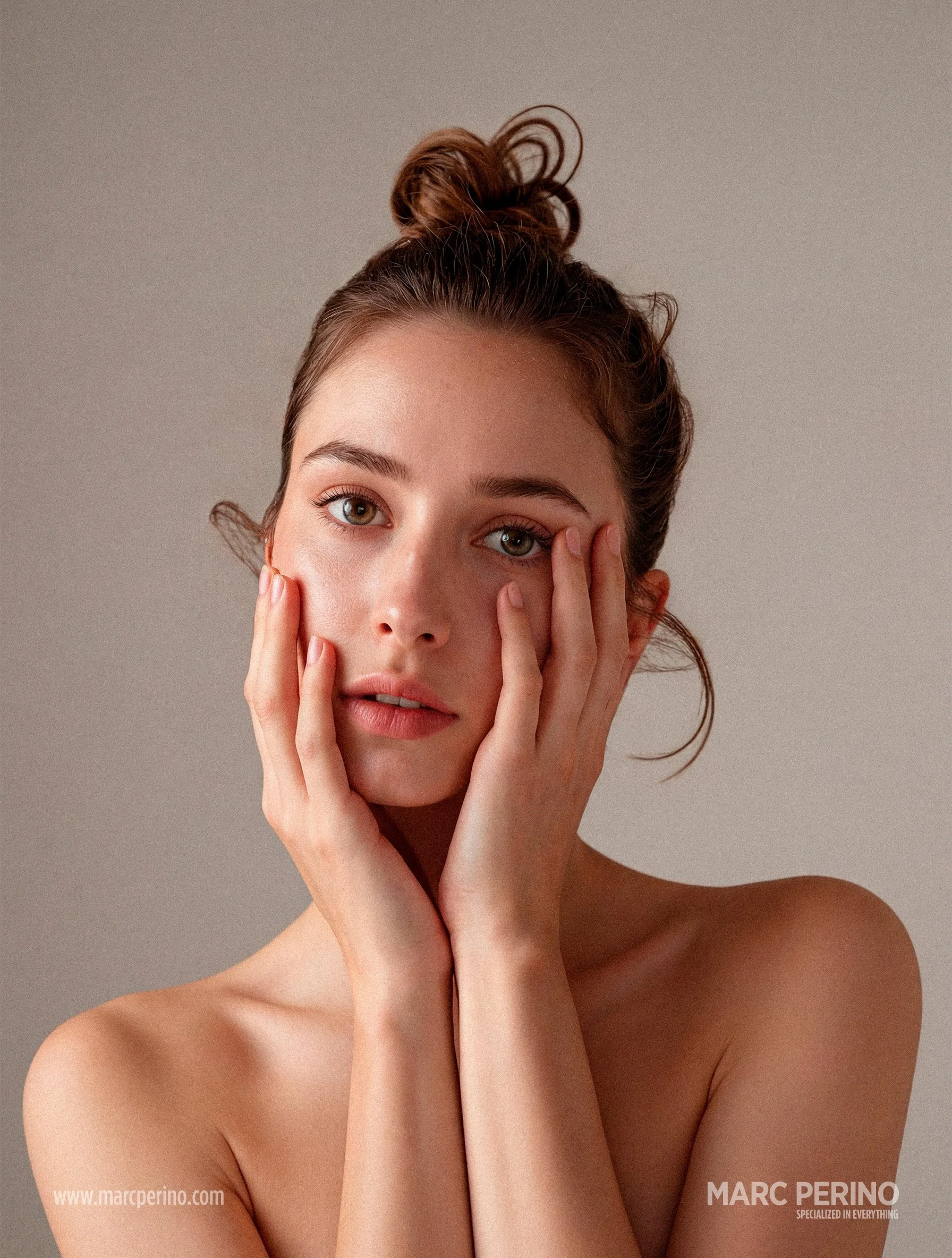
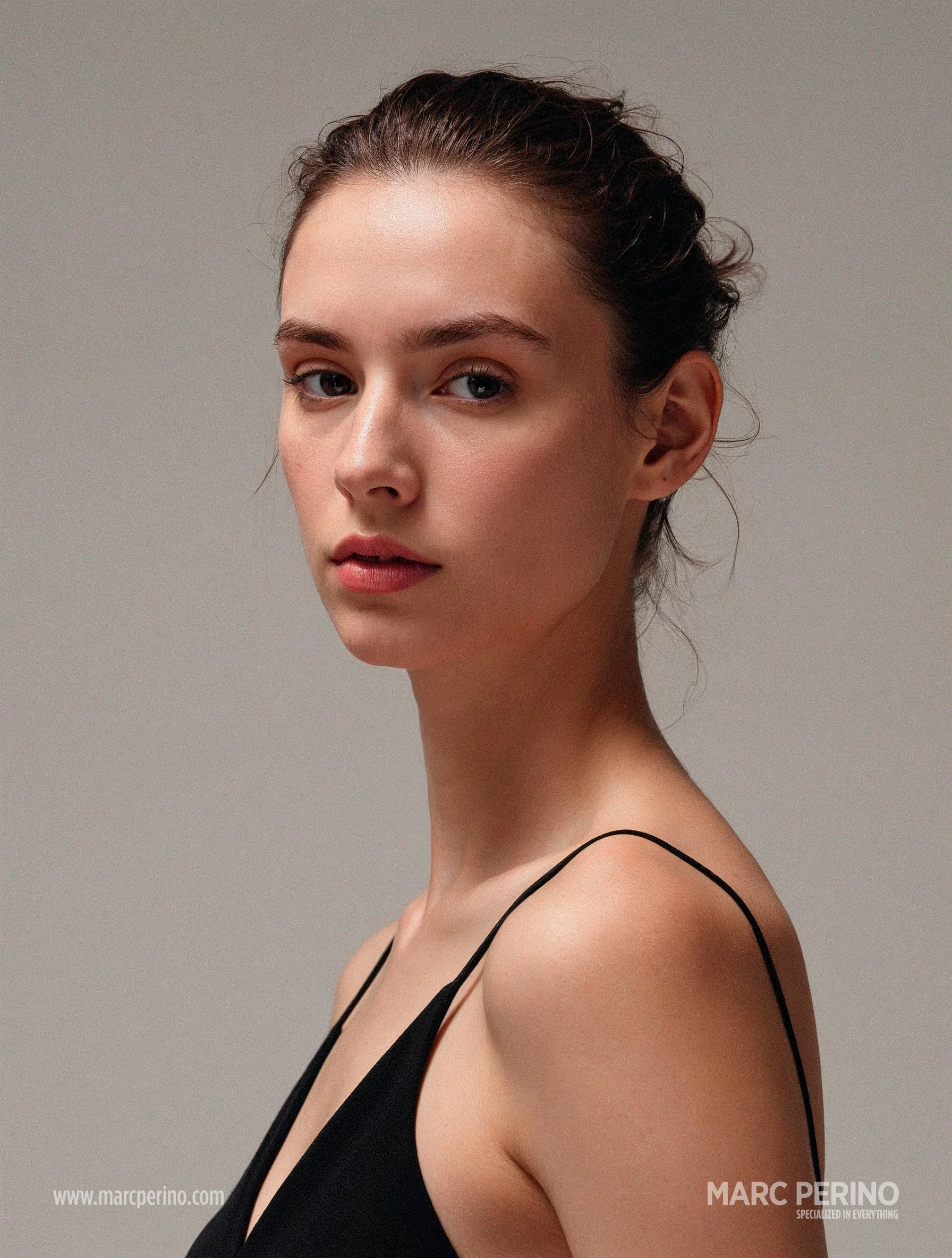
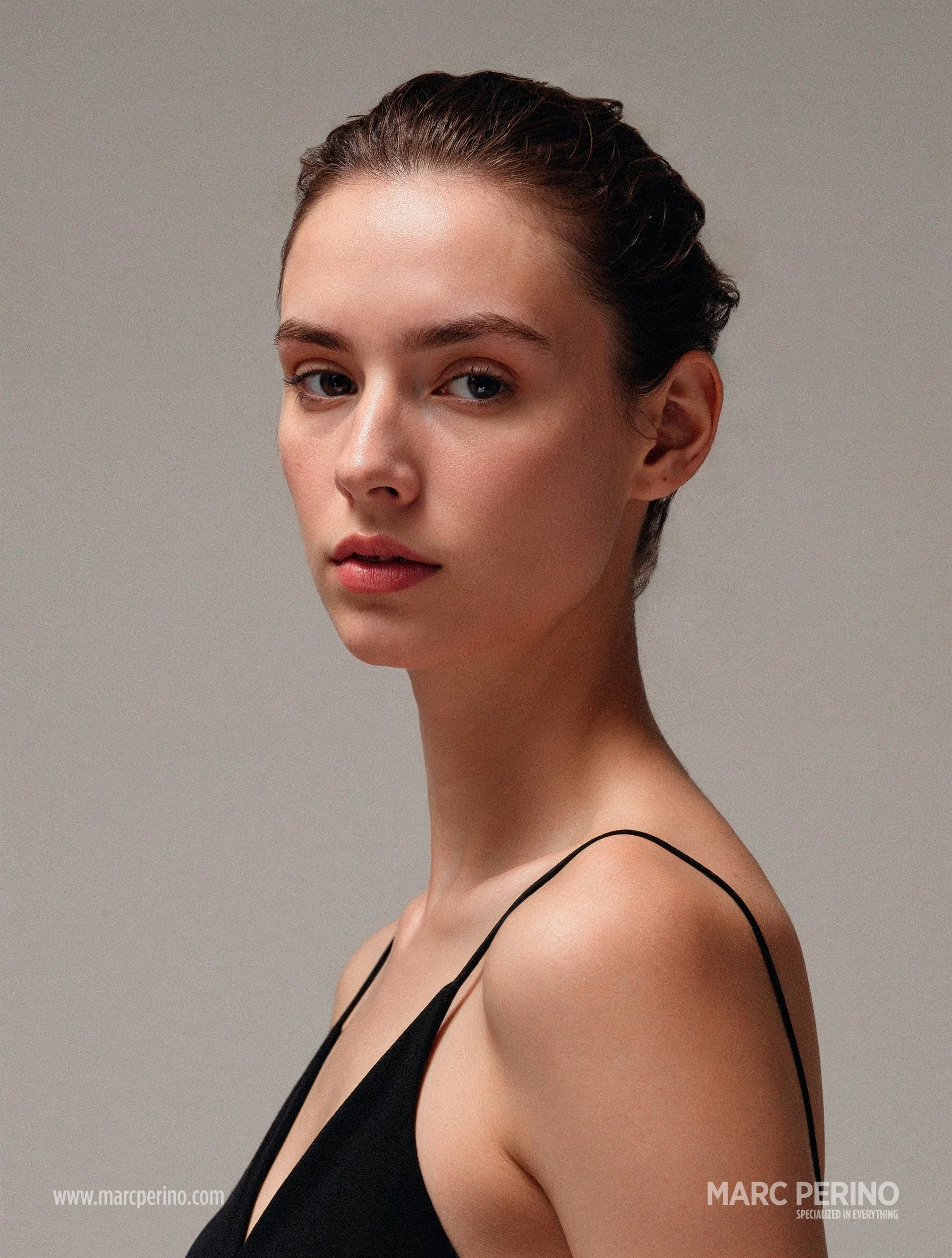
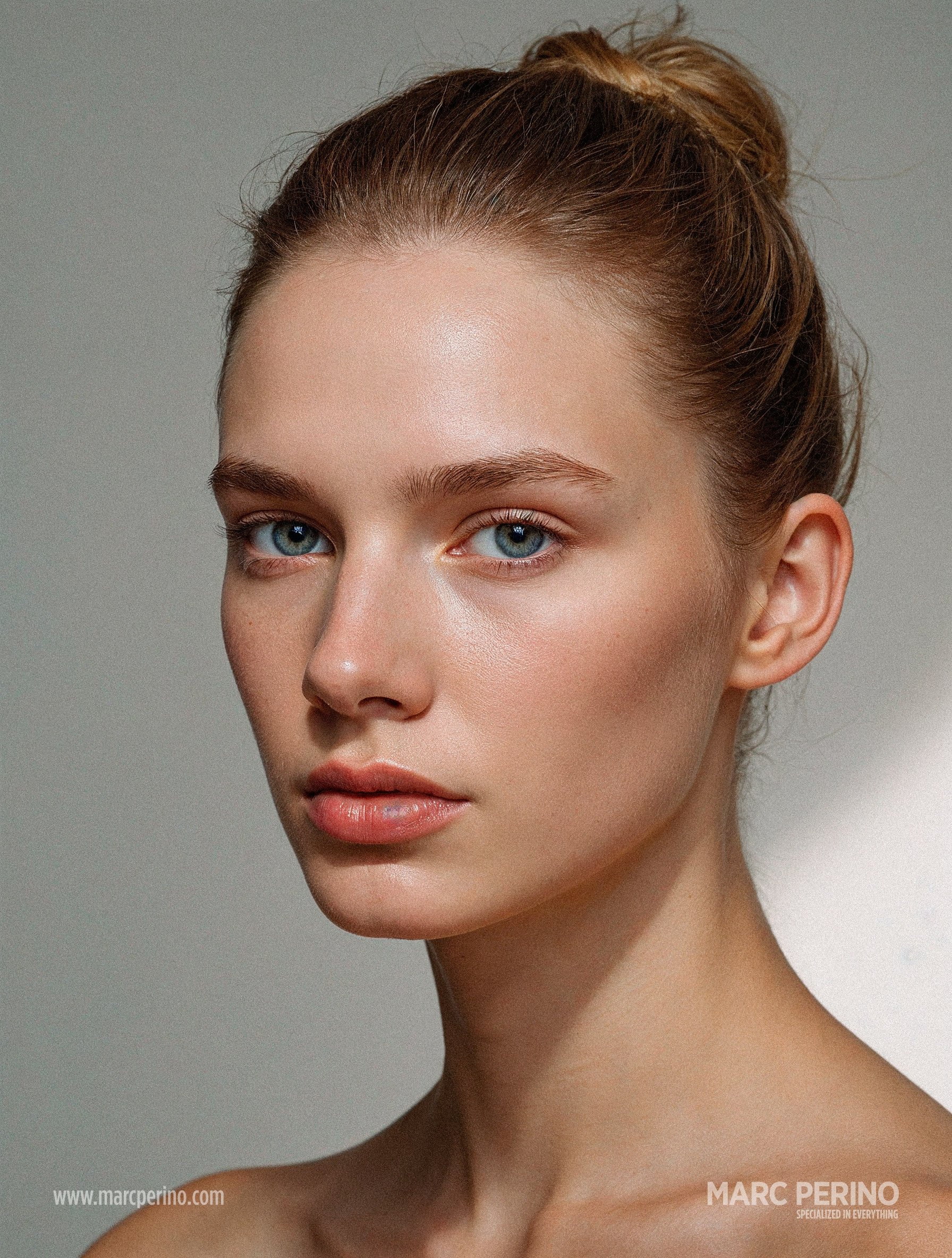
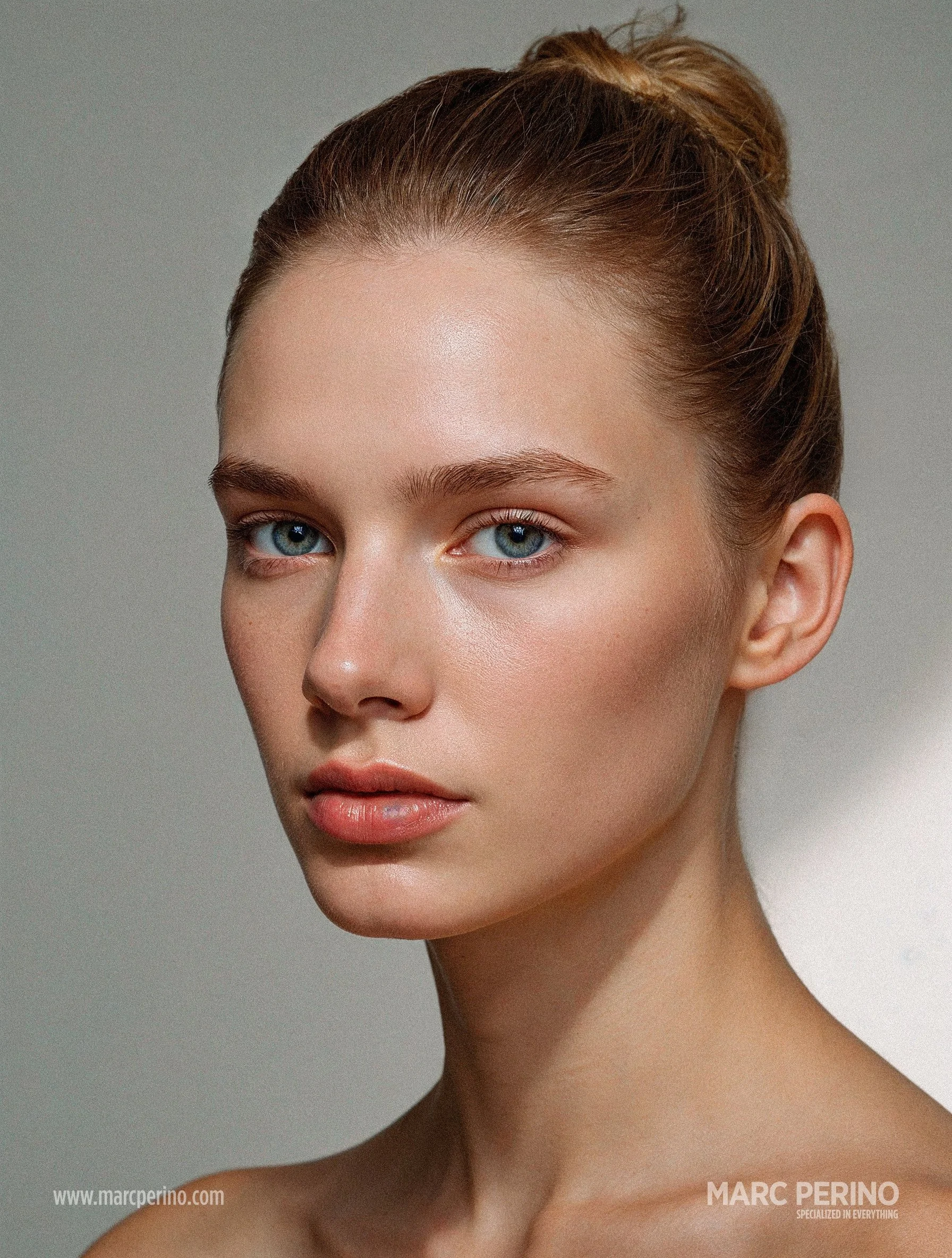
click on the images to enlarge – when enlarged you can either click on the images to see a progress or you use the left+right arrow keys on your keyboard
»STRAY HAIRS« Photoshop plugin by Retouch4me
-
I am not a hair stylist and don’t claim to be one. I have the utmost respect for this profession and I don’t think that a human artist will be replaced by this product. For me the plugin described here is just another tool in my tool box when the ship has sailed – in terms of stray hair.
-
Imagine as a photographer and/or retoucher you are coming home after a long days shoot and you begin to cull your images. Then you open your final selections and you realize that your favorite picks are almost perfect – if there would not be those stray and flyaway hairs that stick out of your model’s head. In some cases this rough look would be appreciated but right now those hairs are sticking out like a sore thumb.
Of course now you could open each image in Photoshop and faithfully paint away each of those hairs by hand. And to use this method on one single image is probably feasible – but to do it on 20 or 30 images or more will become a tedious task when you are trying to hit a deadline. -
Well, it is possible to remove those pesky hair literally with a click of a button. Retouch4me – the company that quietly revolutionized the »art of subtle retouching« with their AI tools – has introduced a new plugin recently: »Stray Hairs«.
With their plugin you can effortlessly eliminate stray hairs that distract from your subject’s face. The tool removes individual hairs that fall across the face and eyes, preserving a natural flawless look, saving you minutes of detailed manual work on every portrait.
Manual mask adjustments provide precise control, allowing fine-tuned refinement of hair details across different shooting scenarios, from structured studio portraits to sessions with natural movement. -
With »Stray Hairs« Retouch4me has added a genuinely useful tool to the retoucher’s toolbox. It’s not about replacing the careful work of a professional hair stylist — it’s about giving photographers and retouchers more flexibility after the shoot is over. What once took countless layers and brushes in Photoshop now happens in seconds.
In my personal opinion the tool is not perfect yet as it sometimes overlooks some strands of flyaway hair. But it offers a 80-90% base to work from. The rest can easily be removed manually with a few paint strokes in Adobe Photoshop.
If you’re already using the Retouch4me ecosystem, »Stray Hairs« feels like a natural extension to their other products. And although you might call me biased – because you can purchase all of their plugins with a 20-45 % discount (depending on their latest offers) through my coupon code PERINO – I can honestly say that I use their plugins all the time in my daily workflow and I am convinced of their usefulness a 100%. They save me so much time which I can use for more productive work.
* please read the fine print on the promo page